3D map videos for routes, places, and trips
Turn any route, place, or journey into a cinematic video
Upload a GPX, choose a mapped hike, zoom into any location, or build a travel route with flights, cars, walks, and automatic ferry sections. Preview the 3D camera move in your browser and export a vertical or landscape MP4 when it looks right.
Preview firstNo signup needed
MP4 exportServer-rendered download
Social readyPortrait or landscape
GPX animation
Make your hike look epic
A smooth camera follows your route through real 3D terrain. Pick the time of day, the angle, the colors. Export ready to share.
Three steps
Create a 3D map video from a route or place
1
Choose what to create
Start with a GPX route, a mapped hike, any place on Earth, or a multi-stop travel route.
2
Frame the shot
Pick the camera angle, map style, weather, format, and timing. Preview everything in your browser.
3
Export and share
Download an MP4 for Reels, TikTok, YouTube, websites, or trip recaps.
Video types
Choose the 3D map video that fits your story
Each tool has its own workflow for the kind of map video you want to make.
Good to know
Try the tool before you sign up
Start with a GPX file, a place on the map, or a travel route. You can preview the result in your browser before export.
Do I need an account to try it?
No. You can open the GPX tool, upload a GPX, search for a mapped hike, and preview the result first. Paid features require Pro.
What can I create?
GPX Animation follows a route through 3D terrain. Zoom-in effect starts far out and lands on a place you choose. Travel route lets you build a multi-stop journey with flight, car, and walk segments, with ferry sections added automatically over water.
What export formats are available?
Exports are MP4 videos in landscape or portrait. Free includes watermarked GPX, Zoom, and Travel exports in Standard quality. Pro unlocks Full HD and 4K, paid weather styles, Graph + Stats, and watermark-free exports.
What is included in Free and Pro?
Free includes GPX, Zoom, and Travel access with previews and watermarked Standard-quality MP4 exports. Pro removes the watermark and unlocks Full HD and 4K, paid weather styles, Graph + Stats, and paid features across all three tools.
Can I use the videos commercially?
Yes, subject to the Terms and third-party map rules. Mapbox/OpenStreetMap attribution must stay visible.
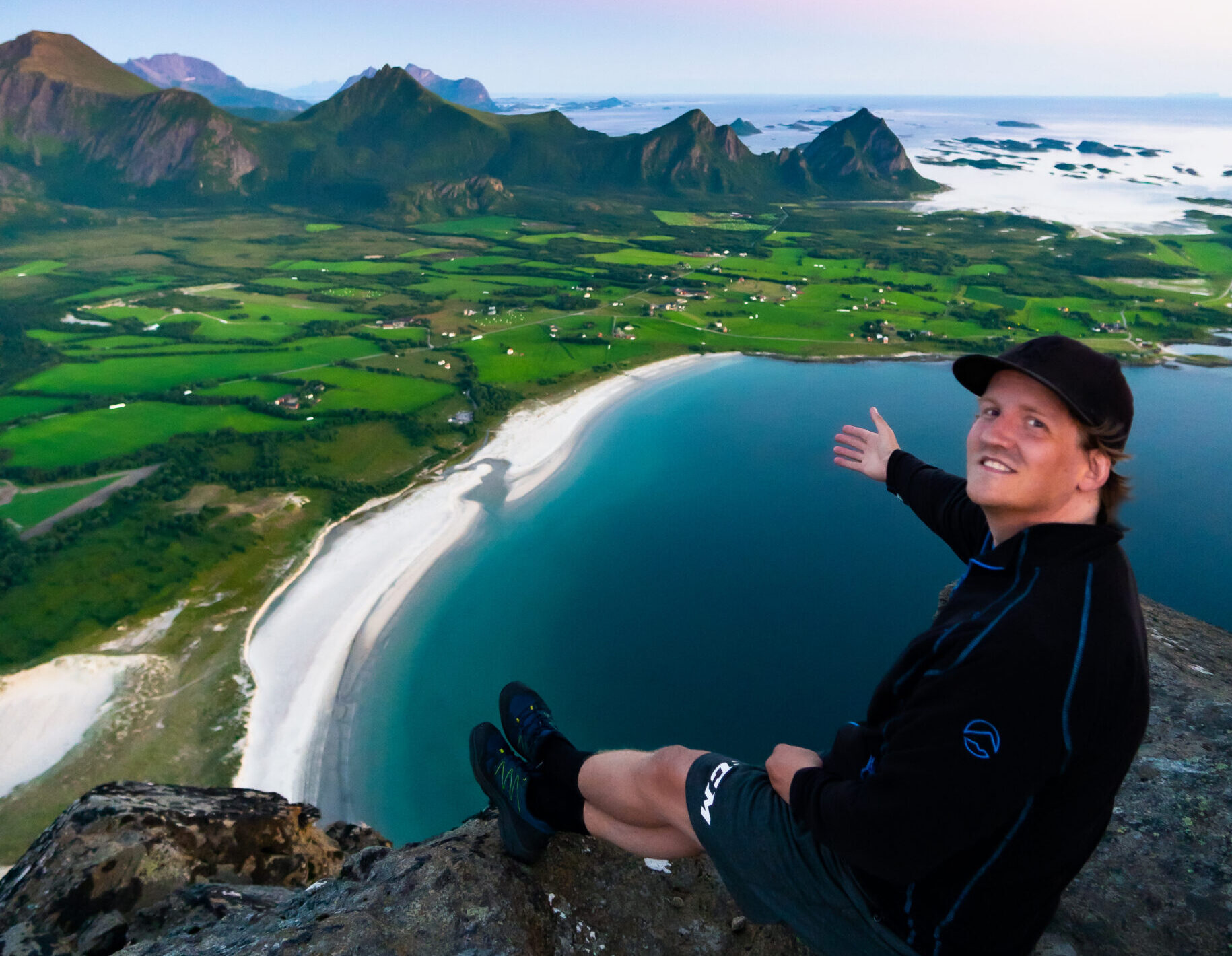
Built by a hiker
A small tool for showing routes in 3D.
I made dddmaps as a hobby project because I wanted a better way to share hikes than flat map screenshots. It is built for hikers, runners, cyclists, and travelers who want quick, cinematic map videos. — Tobias